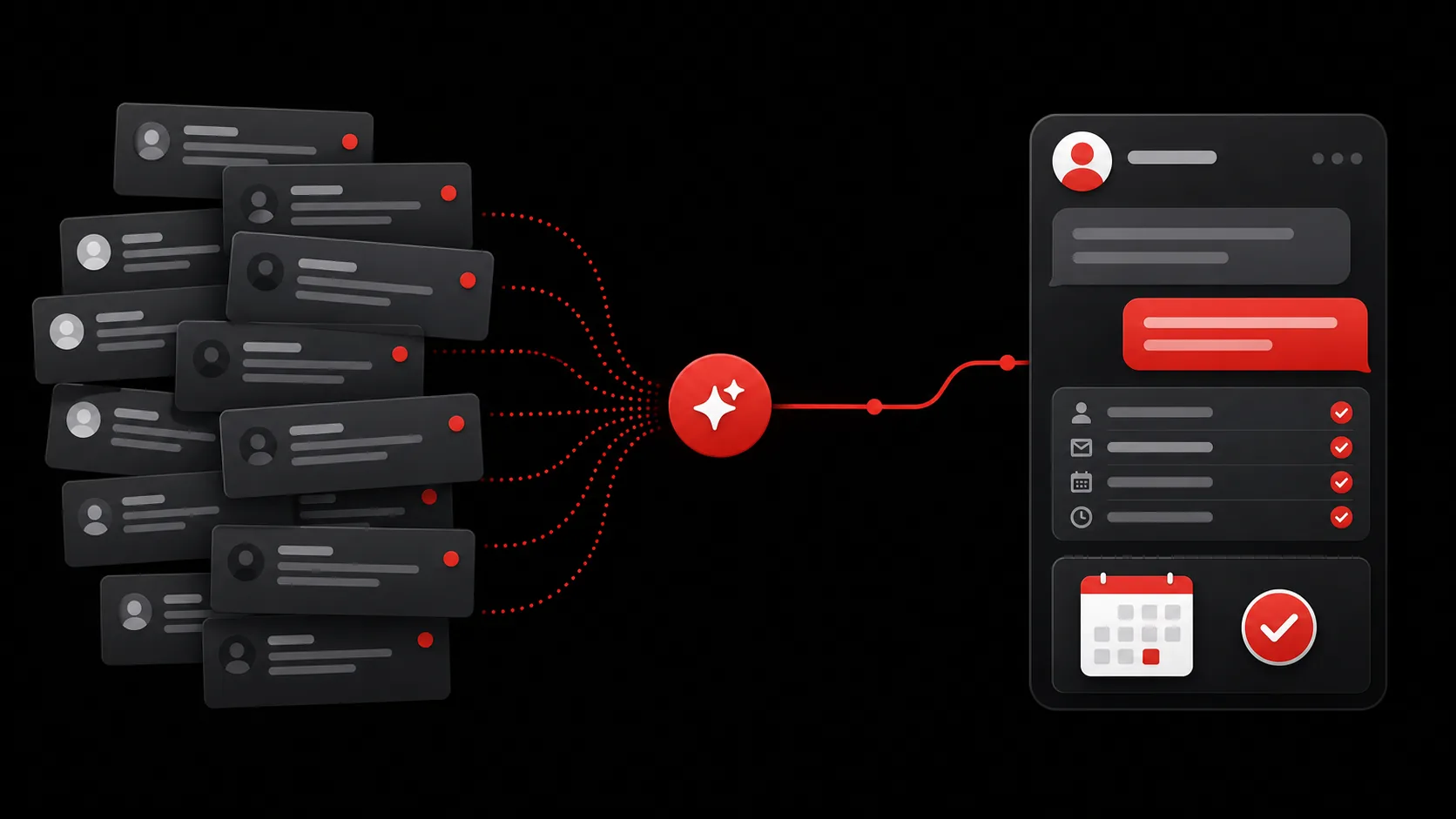
Someone taps your bio link, scans five buttons, and leaves without an answer.
A link-in-bio page has one job: send people somewhere else. That worked when the problem was fitting five links into one profile. It's a poor answer to the questions creators get now: a fan wants your latest release, a customer wants shipping info, a brand manager wants your rates. Same page, same five buttons, three completely different needs.
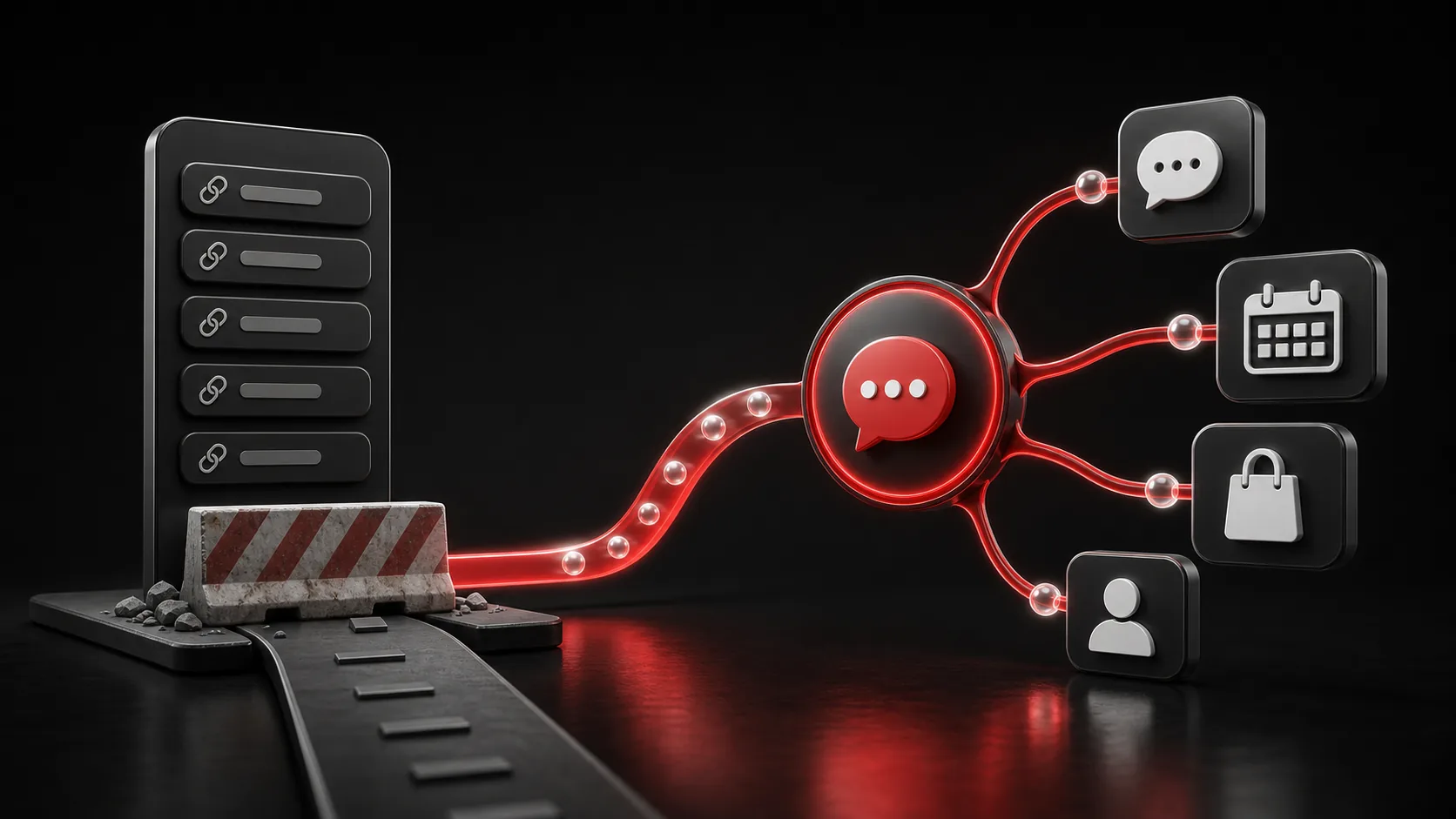
A router cannot handle a conversation
Static bio pages are good routers. They can send someone to a store, newsletter, calendar, portfolio, or social account. The trouble starts when the visitor doesn't know which button contains the answer.
Questions that don't have a button:
- Do you ship to Canada?
- What's your rate for a sponsored post?
- Is the course suitable for beginners?
- Are you available on September 12?
- Can I hire you for a private event?
The visitor can open several links and hunt. They can send a DM and wait. Or they can leave. The link page has done its job in all three cases because it recorded a click. You may still have lost the sale, booking, or partnership.
A click records a visit. It doesn't record a reason. The useful part begins when someone tells you why they came.
BrainSite product principle
What a menu can't do that a conversation can
| Link-in-bio menu | AI link-in-bio | |
|---|---|---|
| Handles a direct question | No: visitor must guess the right button | Yes: answers in its own words |
| Remembers a returning visitor | No: every visit starts from zero | Yes: resumes with permitted context |
| Qualifies an inquiry | No: just forwards a click | Yes: captures budget, dates, details |
| Routes to the right next step | Only if visitor picks correctly | Yes: based on what they asked |
| Works while you're offline | No: you have to be online to answer DMs | Yes: answers 24/7 from approved knowledge |
The replacement is one link people can talk to
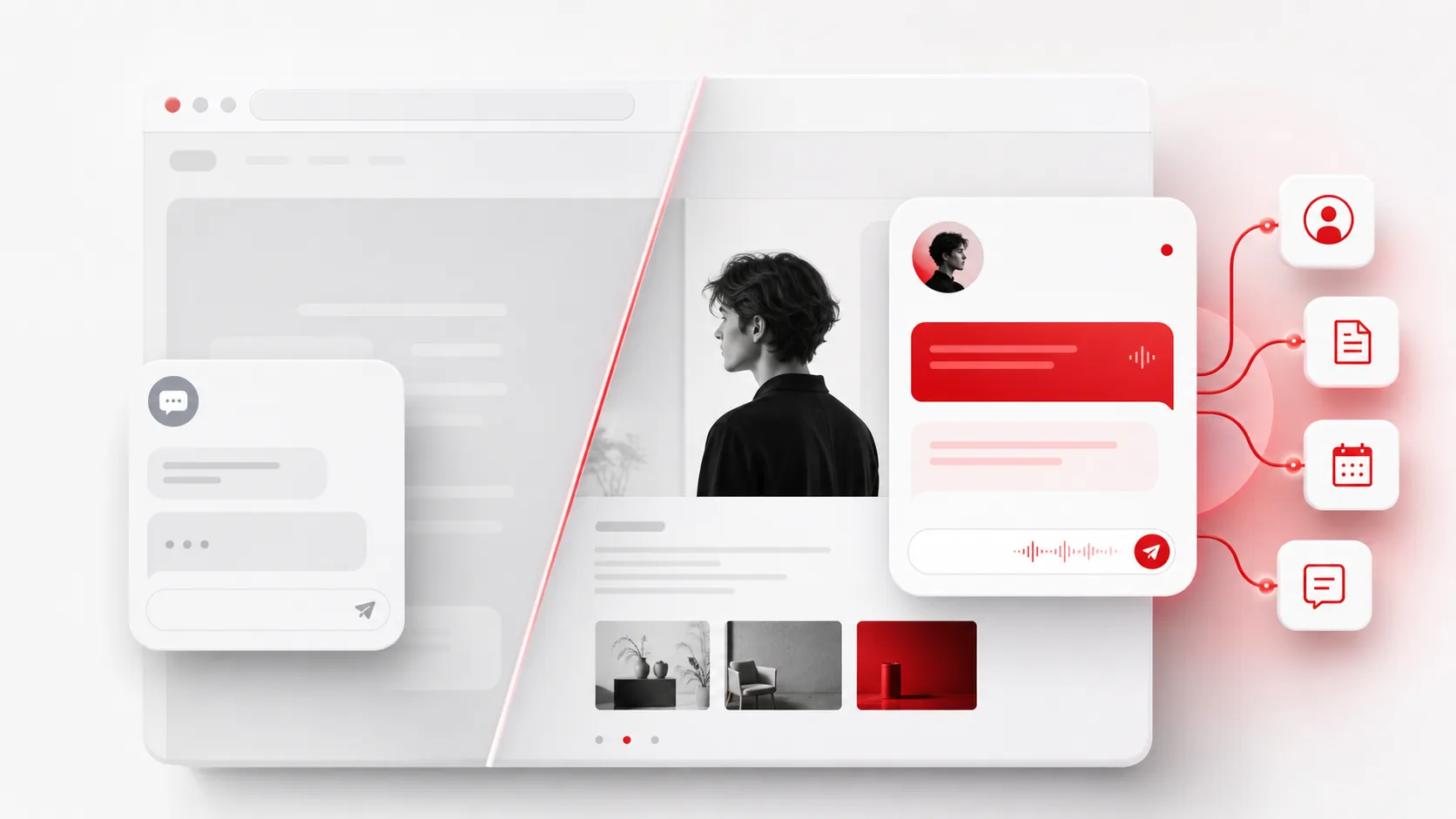
An AI link-in-bio keeps the convenience of one public URL, but replaces the menu as the main interaction. Visitors can still reach your store, calendar, videos, and social accounts. They can also ask for the exact thing they need in their own words.
That change sounds small. It changes the job of the page. Instead of making every visitor choose a route, the page can understand the request, give an approved answer, and guide the person to a relevant next step.
What changes when your bio can answer
Picture a brand manager arriving after watching one of your videos. They ask about sponsorships. Your BrainSite can explain the formats you offer, collect the campaign dates and budget, then send the qualified opportunity to you. The manager gets a useful response at 11 p.m. instead of a DM that just says "rates?" three days later, and you open a complete inquiry in the morning.
A fan may arrive through the same link and ask where to buy the product shown in that video. They shouldn't see the sponsorship intake. They should get the product answer and the right checkout link. One public page can handle both visits because the conversation reveals intent before it presents a destination.
A returning visitor shouldn't need to repeat the useful context they already shared. With memory, a follow-up can continue from the earlier conversation instead of opening as another anonymous session. You decide what the agent is allowed to know and what still needs your approval.
Your DMs should contain the work only you can do
Creators often use DMs as a support desk, sales inbox, fan club, and booking form at the same time. The valuable messages sit beside questions whose answers already exist on a product page or in an old post.
The goal isn't to automate every conversation. A serious partnership, a sensitive customer problem, or a personal note may need you. Shipping questions, basic availability, package details, and first-pass sponsorship intake usually don't. Let the public link handle the repeatable work and pass you the conversations where your judgment matters.
What to look for beyond a prettier button page
A useful replacement should do four jobs:
- Answers from information you actually control, not a scrape of the internet
- Holds onto permitted context so a returning visitor doesn't start from zero
- Pulls structured details out of the request, like a budget or a date
- Gets the person to a real next step, not just another link
If it only rearranges your links or adds a generic chat bubble, the dead end is still there.
BrainSite starts as one smart link for your profile or business. Add your website, approved knowledge, social channels, and workflows when you need them. A visitor can ask a question, find the right offer, and take the next step without guessing which button to press.
Keep your links. Give people a better way to use them. Create a BrainSite people can talk to.